Founding 2050% off your first yearUS$330 instead of US$66020 of 20 spots remaining
Claim a spot →Multipass Card
A package of visits, counted on the card.
A digital multipass card is a wallet-based pass that entitles a customer to a defined number of eligible visits, sessions or services, and shows how many remain. With Loyal-T Cards, the pass lives in Apple Wallet or Google Wallet, and your team validates each use by scanning the card with the Loyal-T Cards scanner. Booking the visit itself stays with your existing booking process.
Included in Loyal-T Cards Annual, US$660/year for one business location. We set it up. Your team runs it.
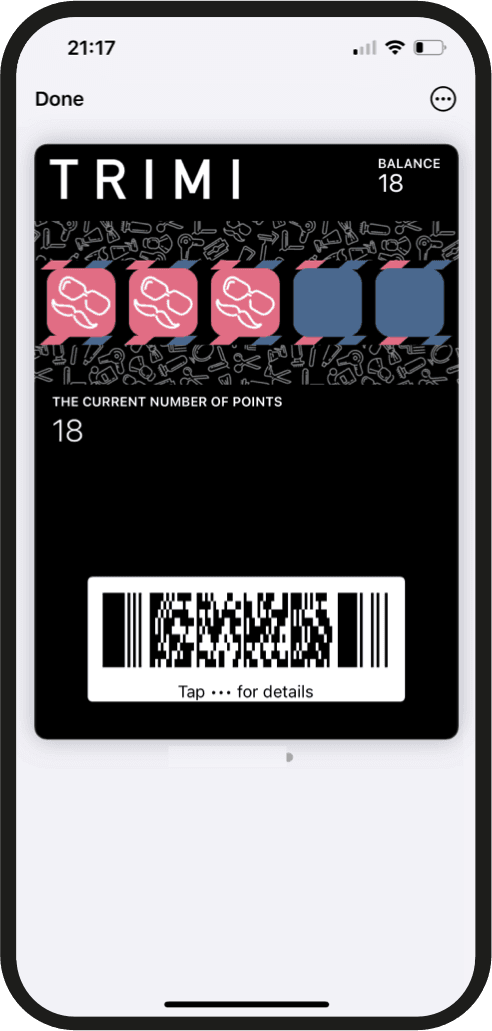
How it works
How a digital multipass card works.
Ten classes, five grooms, six washes. A multipass turns a package into something the customer can see: how many they have used, how many are left, and where to use them.
01
Define the package
Decide what a pass includes, for example ten classes or five grooming sessions, what counts as an eligible use, and any validity period.
02
Customer receives the pass
After buying the package through your own process, the customer adds the branded multipass to Apple Wallet or Google Wallet.
03
Card shows what is left
The pass displays the remaining eligible uses so the customer and your team can both see the count.
04
Staff validates each use
At each visit, your team scans the pass with the Loyal-T Cards scanner and records the use; the remaining count updates.
Good fit
Where a multipass card fits.
- Gyms and studios
Class packs where members want to see how many sessions remain.
- Beauty and wellness
Treatment courses sold as a package of sessions.
- Pet groomers
Grooming packages for regular clients.
- Car washes
Wash bundles that bring the same car back.
- Clinics
Session-based programs where each attendance is recorded.

In practice
An example structure, and who does what.
Loyal-T Cards configures the structure with you at setup. From launch, your customers and your team use it like this.
Example multipass structure
- Package
- 10 classes
- Eligible use
- One class attendance per scan
- Validity
- 3 months from purchase
- Sold
- Through your own booking or payment process
Package sizes, eligible uses and validity are configured for your program at setup. This is an illustration, not a required structure.
The customer
- Adds the multipass to Apple Wallet or Google Wallet after buying the package
- Sees the remaining number of visits or sessions on the card
- Shows the pass at each visit to have the use recorded
- Can receive supported wallet notifications, such as a reminder when few uses remain, where configured
Your team
- Sell the package through your usual sales process and issue the pass by QR code or link
- Scan the pass with the Loyal-T Cards scanner at each eligible visit
- Record the use so the remaining count on the card updates
- Review pass usage in the dashboard
See the scanner workflow
The same join, scan and dashboard workflow applies to every card type.
Before you choose
Important considerations.
Booking stays with your system
The multipass counts eligible uses; it does not book appointments or classes. Keep using your existing booking process. Loyal-T Cards does not integrate with booking systems.
Prepaid packages carry obligations
A prepaid pass is a commitment to deliver the remaining uses. Set validity, transfer and refund rules in your own terms in line with the rules where you operate.
Define what counts as a use
Decide whether any visit counts, or only specific services, and make sure your team validates the pass the same way every time.
Loyal-T Cards is a separate loyalty platform. Keep using your existing booking, POS, ordering or business workflow; your team records loyalty activity through Loyal-T Cards alongside it.
Pricing
US$660/year
Loyal-T Cards Annual: US$660/year for one location, with the multipass card and every other card type included. Setup and team onboarding included.
Founding 20First 20 businesses: US$330 for the first year, then US$660/year.
Payment may be shown in your local currency at checkout.
Loyal-T Cards can support multi-location programs. The standard annual plan includes one location; additional locations are arranged separately.
Related formats
Other card types to compare.
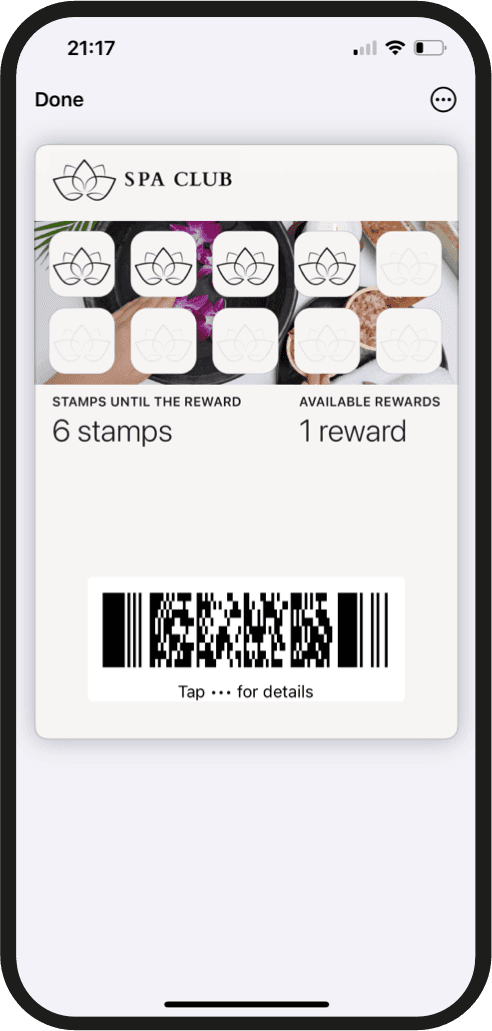
Stamp Card
A digital version of the paper punch card: eligible visits or purchases earn stamps, and a full card earns a defined reward.
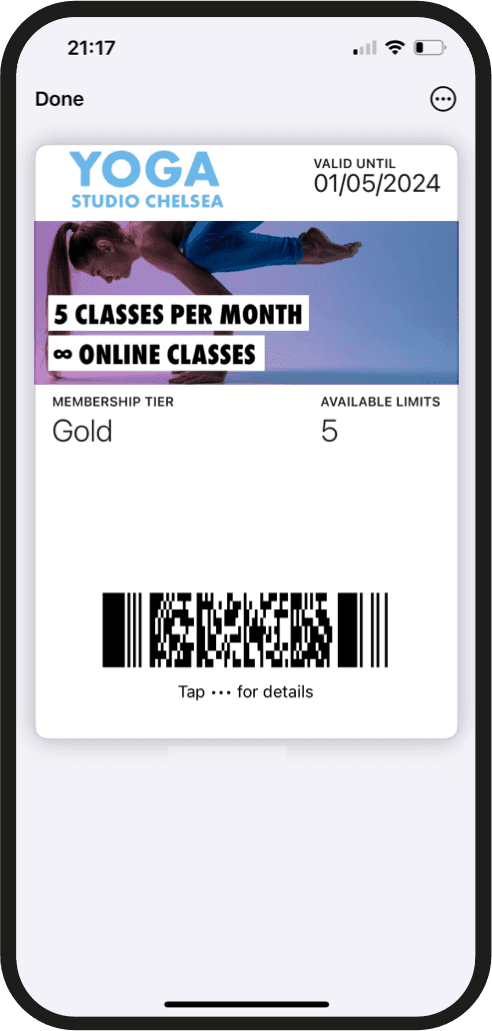
Membership Card
A digital membership credential customers keep in their wallet, showing their membership status and configured member benefits.
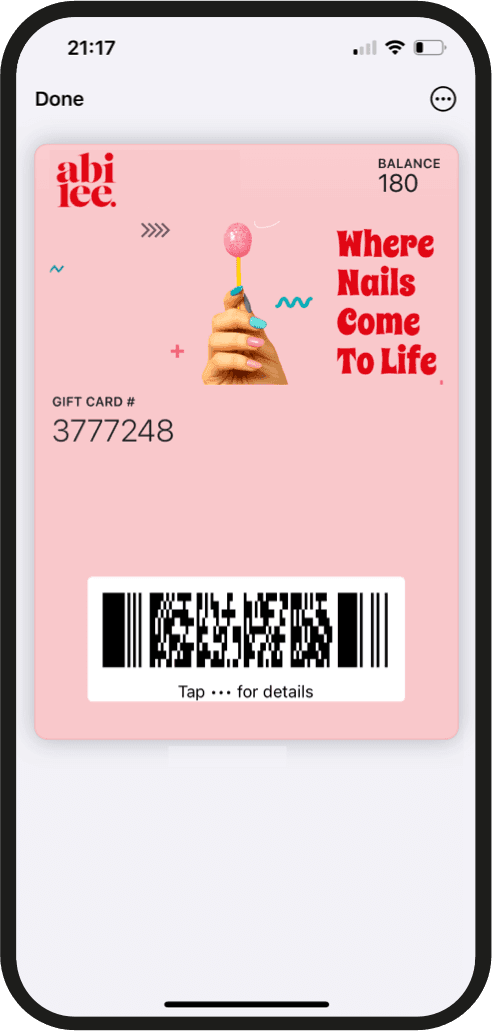
Gift Card
A wallet-based card carrying merchant-defined gift value that the recipient uses at your business, tracked by your team through the platform.
Common questions about the multipass card.
Multipass Card
Not sure a multipass card is the right format?
We'll help you choose and configure the initial structure when you get started. Your team runs the program from there.
Payment may be shown in your local currency at checkout.